Free up space on your Android
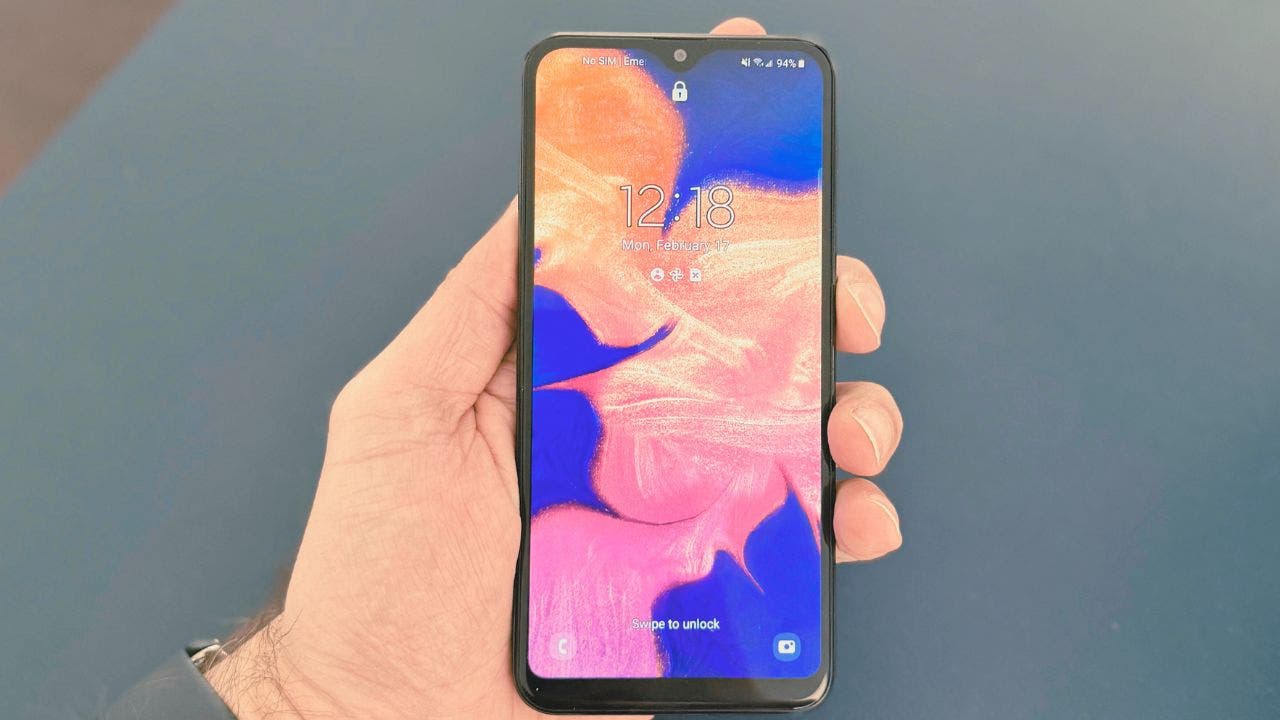
Is your Android running out of storage space again? Are you tired of constantly receiving those annoying notifications telling you that your device is low on storage? Well, fear not, as we have three simple tricks that can help you free up valuable space on your Android device.
Trick 1: Delete hidden clutter
Hidden files and folders often take up a significant amount of storage space on your Android device. To clean them up, follow these steps:
– Open your File Manager (it might be called “My Files”).
– Tap the three dots in the top-right corner.
– Select Settings and enable “Show Hidden System Files”.
– Navigate to the “.thumbnails” folder and delete all the images.
– Go to the “Movies” or “Downloads” folder and repeat the steps.
– Finally, empty the Trash to permanently delete the files.
Trick 2: Google Photos magic
Google Photos offers a convenient way to manage photo storage without losing your memories. Here’s how you can free up space using Google Photos:
– Open the Google Photos app.
– Tap your profile picture in the top-right corner.
– Choose “Free up space on this device”.
– Review the files and allow Google Photos to clear local copies of photos already backed up.
Trick 3: Clear unused apps
Uninstalling unused apps can significantly free up storage space on your Android device. Here’s how you can uninstall unused apps:
– Open Settings on your Android.
– Click on Apps or Apps and Notifications.
– Filter and sort apps by “Uninstalled by you”.
– Identify and uninstall apps that you no longer use.
Trick 4: Get rid of old files
You can also delete unused files and images on your Android device. Simply navigate to Settings, tap on Device Care, and review old files to free up space.
By following these simple tricks, you can efficiently manage your Android device’s storage and maintain optimal performance. Remember to regularly review and delete old files to keep your phone clutter-free. Don’t let storage space be a hindrance to your device’s performance – take control and reclaim valuable space on your Android today.